Pre-1.0 · a working prototype in daily university use
Notes, canvases and tasks — on your own server.
Lecture is a self-hosted collaborative workspace built for university: take notes, think on an infinite canvas and plan your deadlines with a real task manager — in the browser, online or offline. It syncs when you are back.
One workspace for the whole term
Six things Lecture does so your lecture notes, seminar slides and group projects live in one place instead of five browser tabs.
Notes
A calm rich-text editor: headings, lists, code, tables, callouts and files. Paste Markdown, link documents, and follow a graph of how everything connects.
Canvas
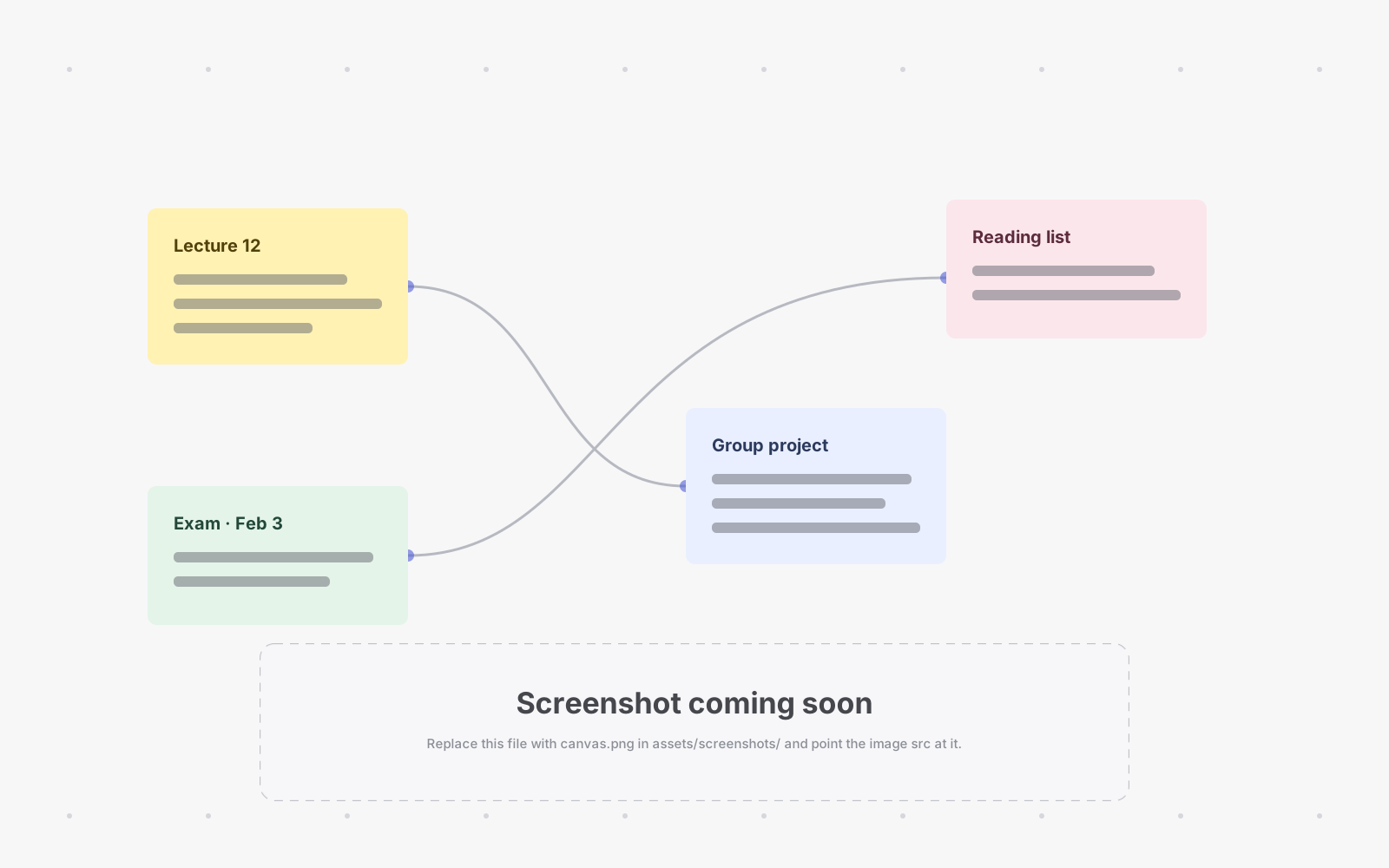
An infinite whiteboard with sticky notes, shapes and connectors — and a canvas can embed your notes, so the map and the detail sit on one page.
Task manager
Kanban boards, subtasks and a calendar of deadlines — built for homework and group projects, not software sprints.
Offline & sync
An installable web app that keeps working with no connection. Edit on the train; changes merge automatically when the signal is back.
Live collaboration
Study together: open the same note or canvas with your group and watch each other's changes arrive as they are typed.
Self-hosted
One Docker image and a PostgreSQL database, on hardware you control. Your notes — and your students' data — stay in your own infrastructure.
How it works
The whole app runs in your browser as an installable PWA. The server only stores and relays — which is why it is small enough to self-host and quick enough to use offline.
Edits travel as CRDT updates — the same mechanism powers live collaboration and offline editing — and are stored in PostgreSQL on the machine you run.
What it looks like
Real screenshots will replace these drawings soon. Until then, here is the shape of it — calm greys, one accent color, light and dark.
Made differently
Lecture is inspired by AFFiNE, with two deliberate differences — and they shape everything else.
A document is a note or a canvas
No hybrid document that is both and behaves like neither. A canvas can embed notes; a note never embeds a canvas. Your folders stay predictable: you always know which one you are editing, on a phone or on a projector.
The task manager is first-class
Homework planning is not a database you have to build yourself first. Kanban boards, subtasks and a calendar of deadlines ship in the core, next to your notes and canvases — because that is what university work actually needs.